
An Ethernet port is a physical network interface used to connect a device to an Ethernet network. It allows devices such as computers, IP cameras, PLCs, servers, industrial switches, access-control systems and wireless access points to exchange data over a wired network.
Ethernet ports are found on almost every type of modern networking equipment. However, not all Ethernet ports are the same. They can differ in connector type, transmission medium, speed, PoE capability, distance and application.
In an industrial network, understanding these differences is important when selecting switches and designing connectivity for systems such as CCTV surveillance, SCADA, PLCs, plant communication and enterprise IT.
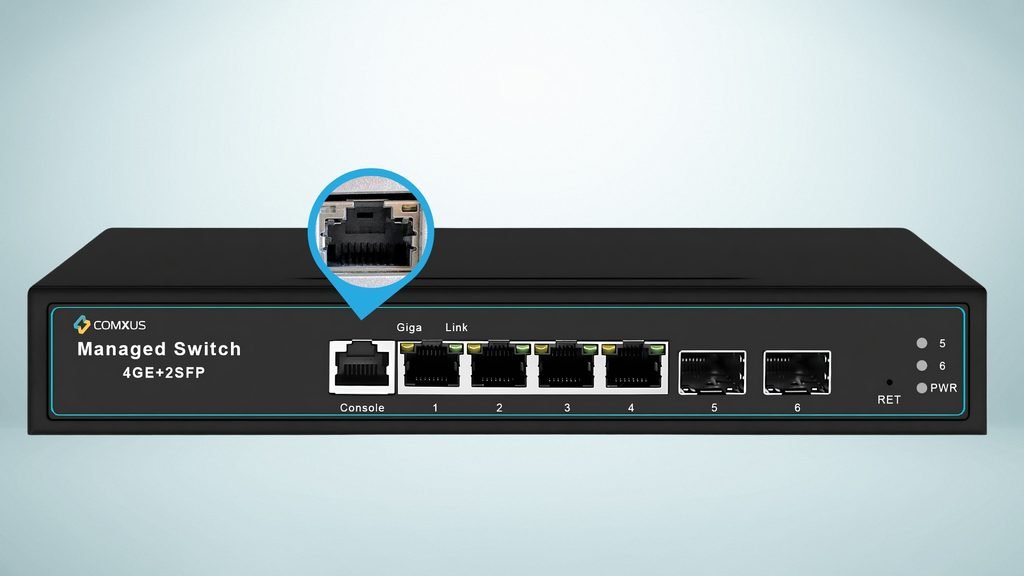
What Is an Ethernet Port?
An Ethernet port is an interface through which a network device connects to an Ethernet network.
The most familiar Ethernet port is the RJ45-style copper Ethernet interface commonly found on computers and network switches.
A simple connection looks like this:
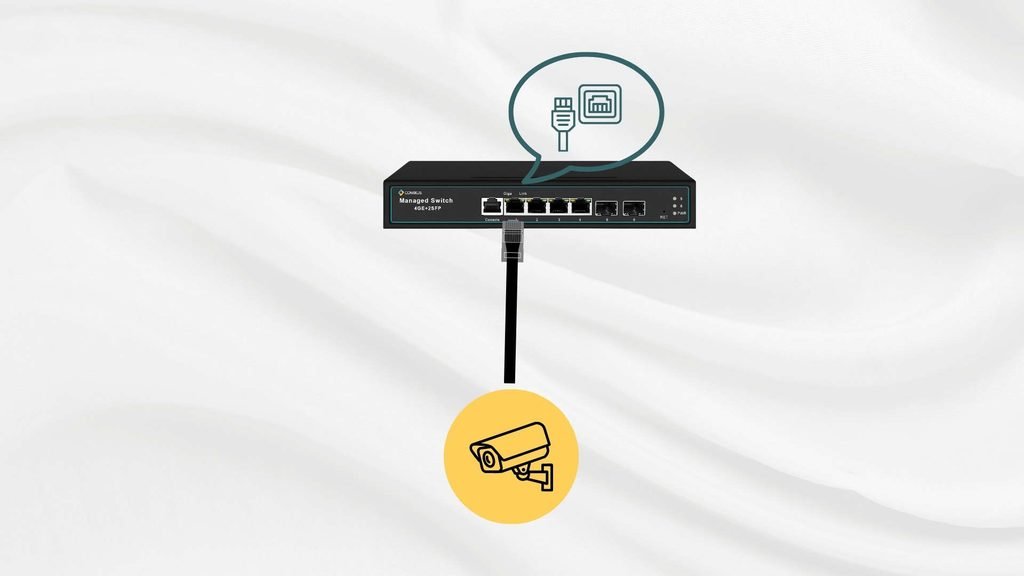
The Ethernet port provides the physical connection required to transmit and receive Ethernet frames.
Depending on the interface, the connection may use:
- Copper twisted-pair cable
- Fiber optic cable
- Direct-attach copper cables
- Other specialized Ethernet media
Therefore, an Ethernet port should not be understood only as an RJ45 connector.
How Does an Ethernet Port Work?
When two Ethernet devices are connected, their physical interfaces establish a link and exchange data.
Modern Ethernet ports can perform functions such as:
- Link detection
- Speed negotiation
- Duplex negotiation
- Transmit and receive data
- Error detection
- Auto MDI-X on supported interfaces
- PoE negotiation on supported ports
The Ethernet port operates at the physical and data-link layers of networking, while higher-level communication uses protocols such as IP, TCP, UDP and application-specific protocols.
Types of Ethernet Ports
Ethernet ports can be classified based on their physical interface, transmission medium and speed.
1. RJ45 Copper Ethernet Port
RJ45-style copper ports are widely used for Ethernet connections.
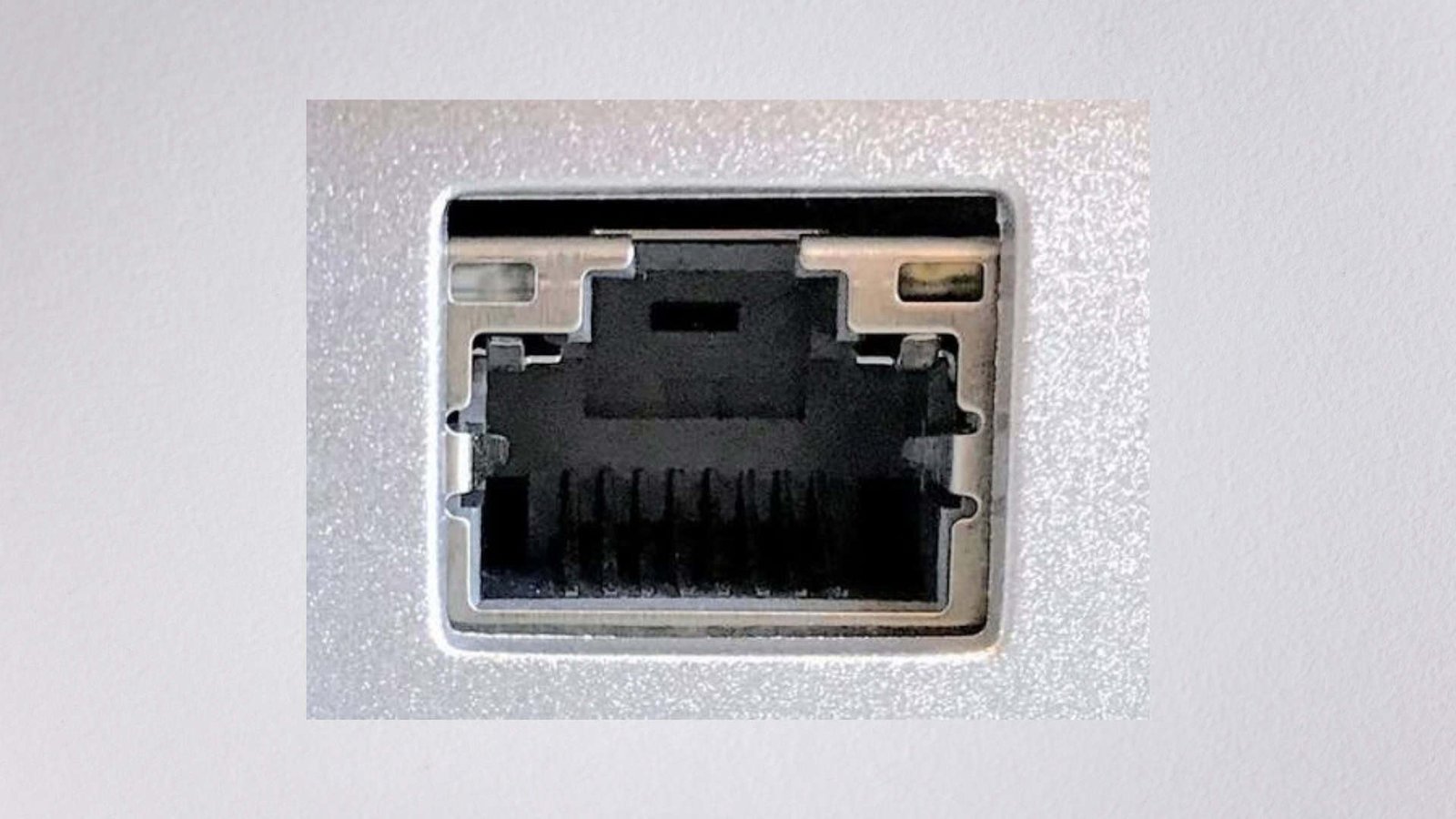
They typically use twisted-pair cabling such as:
- Cat5e
- Cat6
- Cat6A
Depending on the Ethernet standard and equipment, these ports can support speeds such as:
- 10 Mbps
- 100 Mbps
- 1 Gbps
- 2.5 Gbps
- 5 Gbps
- 10 Gbps
The RJ45 ports can connect endpoint devices, while the higher-speed uplinks connect the switch to the network core.
2. SFP Ethernet Port
SFP (Small Form-factor Pluggable) is a modular interface used primarily for network transceivers.
An SFP slot can accept a compatible transceiver for different transmission media and distances.
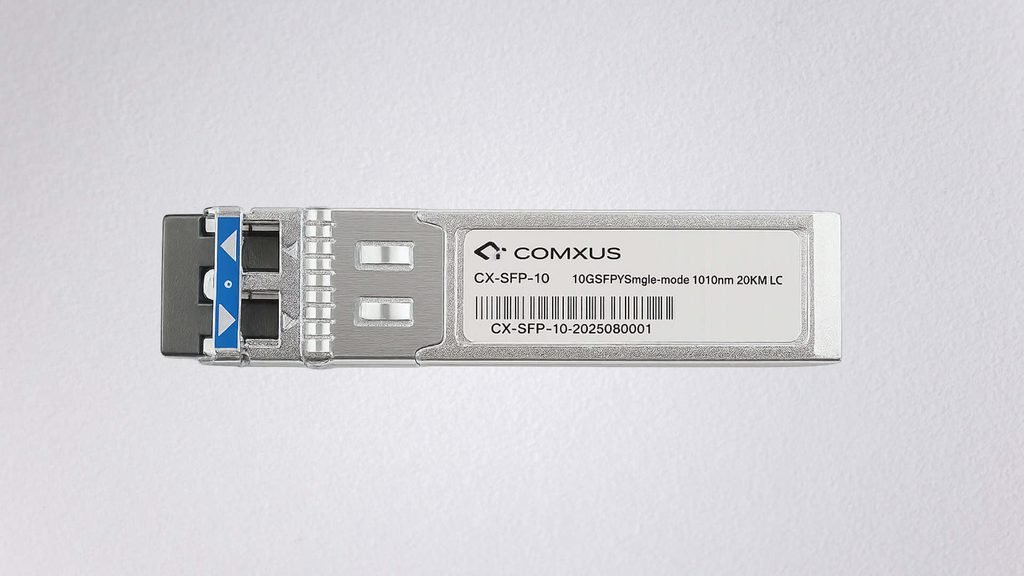
SFP ports are particularly useful for industrial networks because fiber can support longer distances and provides electrical isolation between network locations.
3. SFP+ Port
SFP+ is commonly associated with 10 Gigabit Ethernet. A switch may use SFP+ interfaces for high-speed uplinks.
This is useful when multiple 1 Gbps access ports need to send aggregated traffic toward a higher-level network.
Ethernet Port Speeds
Ethernet has evolved significantly over the years.
| Ethernet Speed | Common Name | Typical Application |
| 10 Mbps | 10BASE-T | Legacy networks |
| 100 Mbps | Fast Ethernet | Legacy/low-bandwidth devices |
| 1 Gbps | Gigabit Ethernet | Enterprise and industrial networks |
| 2.5 Gbps | 2.5GbE | High-performance access |
| 5 Gbps | 5GbE | Higher-speed access |
| 10 Gbps | 10GbE | Server/uplink networks |
| 25 Gbps | 25GbE | Data centers and high-speed aggregation |
| 40/100 Gbps | High-speed Ethernet | Core/data-center applications |
The appropriate speed depends on the application’s traffic requirements rather than simply choosing the highest available specification.
What Is a PoE Ethernet Port?
A PoE Ethernet port can transmit electrical power along with Ethernet data over compatible twisted-pair cabling.
Common IEEE PoE standards include:
- 802.3af – PoE
- 802.3at – PoE+
- 802.3bt – Higher-power PoE classes
PoE can simplify installations because a separate power cable may not be required for compatible endpoints.
When designing a PoE network, engineers should consider the total PoE power budget, individual port power requirements and cable limitations.
Ethernet Port and VLAN
An Ethernet port can also be assigned to a particular VLAN on a managed switch.
This allows one physical switch to support multiple logically separated networks.
A port configured as an access port typically connects an endpoint to one VLAN, while a trunk port can carry multiple VLANs between network devices.
How to Select the Right Ethernet Port
For an industrial project, consider these factors before selecting a switch or Ethernet interface:
1. Required Speed
Determine whether the device needs 100 Mbps, 1 Gbps, 2.5 Gbps or higher.
2. Cable Type
Check whether the project uses copper, multimode fiber or single-mode fiber.
3. Distance
Copper Ethernet has practical distance limitations, while fiber is suitable for much longer links depending on the transceiver and fiber type.
4. PoE Requirement
For cameras and other powered devices, verify the required PoE standard and switch power budget.
5. Environmental Conditions
Industrial applications may require ruggedized equipment designed for temperature, vibration and electrical interference.
6. Network Features
For managed industrial networks, check requirements such as:
Frequently Asked Questions
What is the most common Ethernet port?
RJ45-style copper Ethernet ports are among the most widely used Ethernet interfaces in computers, switches, cameras and other network devices.
What is the fastest Ethernet port?
Ethernet technology supports speeds ranging from legacy 10 Mbps connections to 100 Gbps and beyond in modern high-performance networks. The appropriate speed depends on the application and network architecture.
Is an Ethernet port the same as an RJ45 port?
Not exactly. Ethernet describes the networking technology, while RJ45 is commonly used to describe the modular connector used with twisted-pair Ethernet cabling.
Can an Ethernet port provide power?
Yes. A compatible PoE Ethernet port can transmit both data and electrical power to supported devices.
Can an Ethernet port be used for CCTV?
Yes. IP cameras commonly use Ethernet ports for network connectivity, and PoE-enabled ports can also provide power to compatible cameras.
